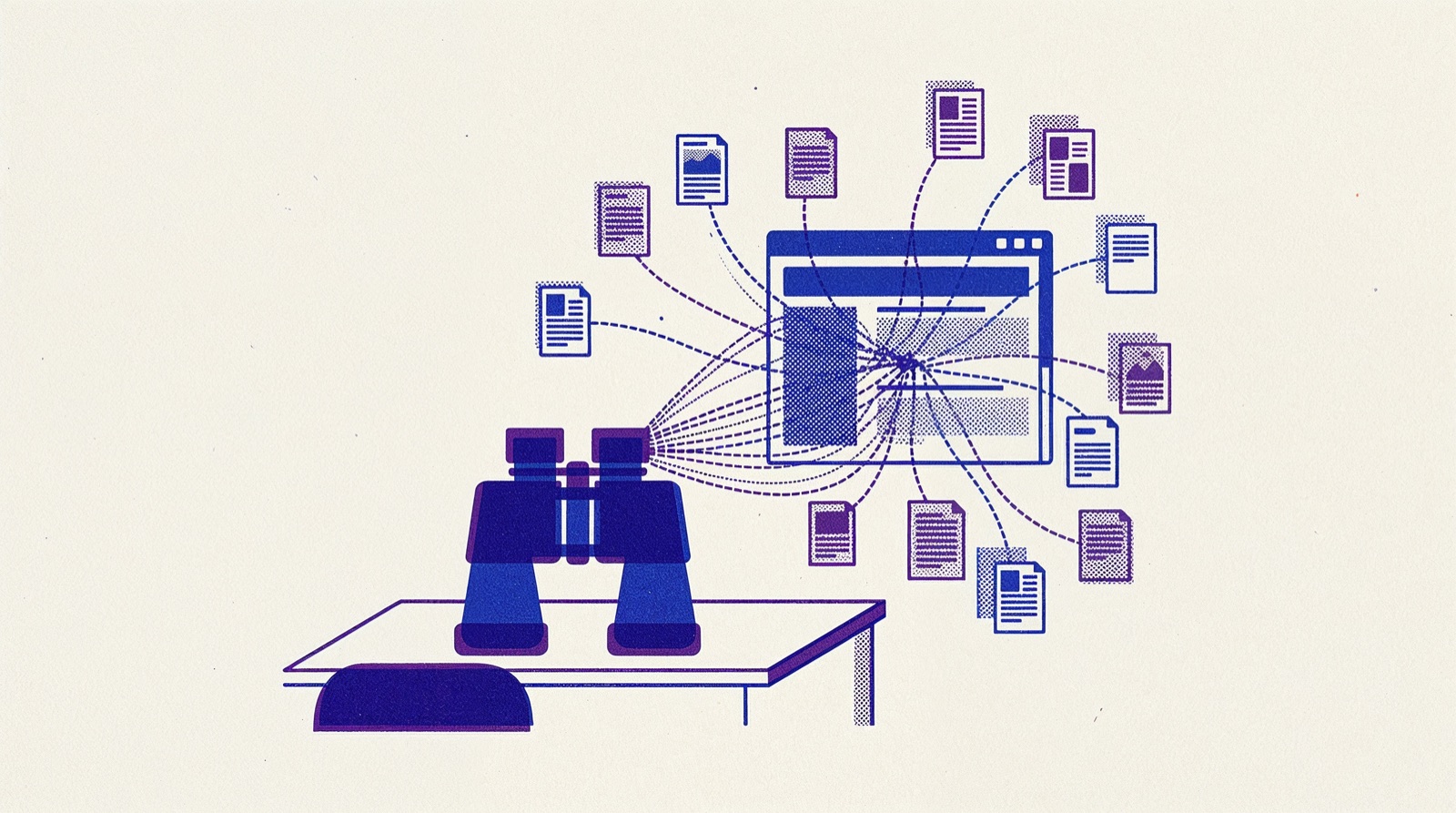
To see the backlinks of any website, enter its domain in a backlink checker: a tool that crawls the web and records which pages link where. Free versions show part of the picture. For a site you own, Google Search Console and Bing Webmaster Tools show the links they have found. Below are eight free tools, what each one shows and how to read the results.
What a backlink checker shows
A backlink is a link on another site that points to a page on yours. Backlink checkers crawl the web, store the links they find and let you look them up by domain or by exact URL.
Most tools report the same core fields:
- Referring domains: how many different sites link to the target. Compare this number first; the glossary explains referring domains.
- Backlinks: the total count of links, which repeated sitewide links can inflate.
- Linking page and [anchor text](/glossary/#anchor-text): where each link sits and the words it uses.
- Link type: dofollow or nofollow, and in some tools sponsored or ugc.
- Authority score: the tool's own rating of the linking site, such as Ahrefs' DR, Moz's DA or Semrush's Authority Score.
- New and lost: when a link was first seen and whether it has since disappeared.
Eight free tools to see backlinks
Start with a quick authority check, then pull the link lists. Free limits change, so check each vendor's page before you rely on one.
- Our Domain Rating CheckerFree, no account
Shows any domain's Ahrefs Domain Rating on its 0 to 100 scale: a free first look at a site's link authority before you open its link list. Paste a domain or a full URL; you get three free checks a day.
- Our Dofollow Link CheckerFree, no account
Paste a page URL and it lists the outbound links on that page, marking which are dofollow and which are nofollow. Add your domain as the target to check one specific link, such as a placement you paid for.
Enter a domain or a single page to see its backlink and referring domain counts and a short list of its top backlinks. The full list sits in Ahrefs' paid plans.
Shows a domain's Authority Score, total backlinks, referring domains and dofollow share, plus up to 15 top backlinks with anchor text and new or lost tags. One check a day works without an account; a free account adds more.
- Moz Link ExplorerFree with an account
A free Moz account gives you 10 queries a month. Each shows Domain Authority, Spam Score, linking domains, anchor text, followed and nofollowed link counts, and linking domains recently gained or lost.
- Google Search ConsoleFree with an account
For sites you own only. After you verify a site, its Links report lists your top linking sites, your most linked pages and the most common link text, from links Google has found.
- Bing Webmaster ToolsFree with an account
Its backlinks report covers your own site and other websites too, and lets you compare your profile with up to two other sites. Unlike Search Console, it shows links to sites you do not own.
- Ahrefs Free (formerly Ahrefs Webmaster Tools)Free with an account
Verify a site you own and browse up to 1,000 of its backlinks at a time, with sorting and filters. It does not cover sites you have not verified.
Our checker reports the same Ahrefs metric that every listing on Backlinks shows next to its organic traffic and spam score. That makes it a quick way to check a publisher's link authority before you order from it.
Check any website step by step
- Run the domain through our Domain Rating Checker for a first read of its link authority.
- Enter the domain in Ahrefs' or Semrush's free checker. Use the exact URL instead when you care about one page, such as a competitor's article that outranks yours.
- Read referring domains before total backlinks. For example, 5,000 backlinks from 40 sites is a narrower profile than 800 backlinks from 300 sites.
- Go through the top backlinks: the linking page, its topic, the anchor text and the link type.
- Open a few linking pages in your browser to confirm the links are still there. Tools can keep lost links listed for a while.
- Run the same domain through Moz or another tool to fill gaps, since each one finds links the others miss.
For competitor research, our guide on finding competitors' backlinks shows how to turn their links into a list of sites to approach. To turn the counts into a target for your own page, see how many backlinks you need.
See backlinks to your own site
For a site you own, you get much more data for free, straight from search engines and from verified accounts.
Google Search Console. Verify your site, open the Links report and look under External links. Three tables matter: Top linked pages, Top linking sites and Top linking text. Select a page or a site to drill down, or export the tables.
Google describes the report as a sample, not a full list. Tables stop at 1,000 rows, links found in the past can stay listed after they are removed, and the report does not say whether a link is nofollow.
Bing Webmaster Tools. Bing's backlink report covers your site and, as Bing's own comparison with Search Console points out, other sites too. That makes it a free way to look at a competitor's links.
Ahrefs Free. Verify your site with Ahrefs and you can browse up to 1,000 of its backlinks at a time. It makes a useful second opinion next to Search Console, because Ahrefs runs its own crawler.
Why the numbers differ between tools
Run one domain through three tools and you will get three different counts. As Semrush explains, each tool uses its own crawler, database and rules for counting links, while Search Console shows the links Google has found.
None of them is wrong. Each sees a different slice of the web and drops dead links at its own pace. A few rules keep your comparisons fair:
- Compare sites within one tool, never across tools.
- Watch the trend over several months more than any single count.
- Lead with referring domains, not raw backlink totals.
- Confirm the links that matter by opening the linking page yourself.
How to judge the links you find
A backlink list tells you who links. It does not tell you which links matter. For the ones that count, check four things:
- Relevance: is the linking site about the same subject as the page it links to?
- Traffic: does the linking site get real visitors, or only a high score?
- Placement: is the link in an article's body text, or in a footer, sidebar or comment?
- Attributes: Google asks sites to qualify paid and user-generated links with rel="sponsored" or rel="ugc", and to use rel="nofollow" when other values do not apply.
Every site picks up spammy links it never asked for, and seeing them in a tool is not a reason to act. Google says most sites never need its disavow tool. Our guide on how to disavow backlinks explains the rare cases where it applies.
Check a link you placed
When you pay for a guest post or a niche edit, check the placement yourself rather than wait for a backlink tool to find it. Four things should be true:
- The page is live and loads for a visitor who is not logged in.
- The link points to your URL, with the anchor text you asked for.
- The link type matches what was sold. Our Dofollow Link Checker, second in the list above, shows it in one check.
- The page is indexed. Search Google for the exact URL, or use an index checker.
Orders placed through Backlinks are tracked in your dashboard, and payment is held in escrow until the post goes live. If the published post lacks your backlink, you get a full refund.
The backlinks monitor page covers these checks in more detail, including the free tools for live, dofollow and indexed links.